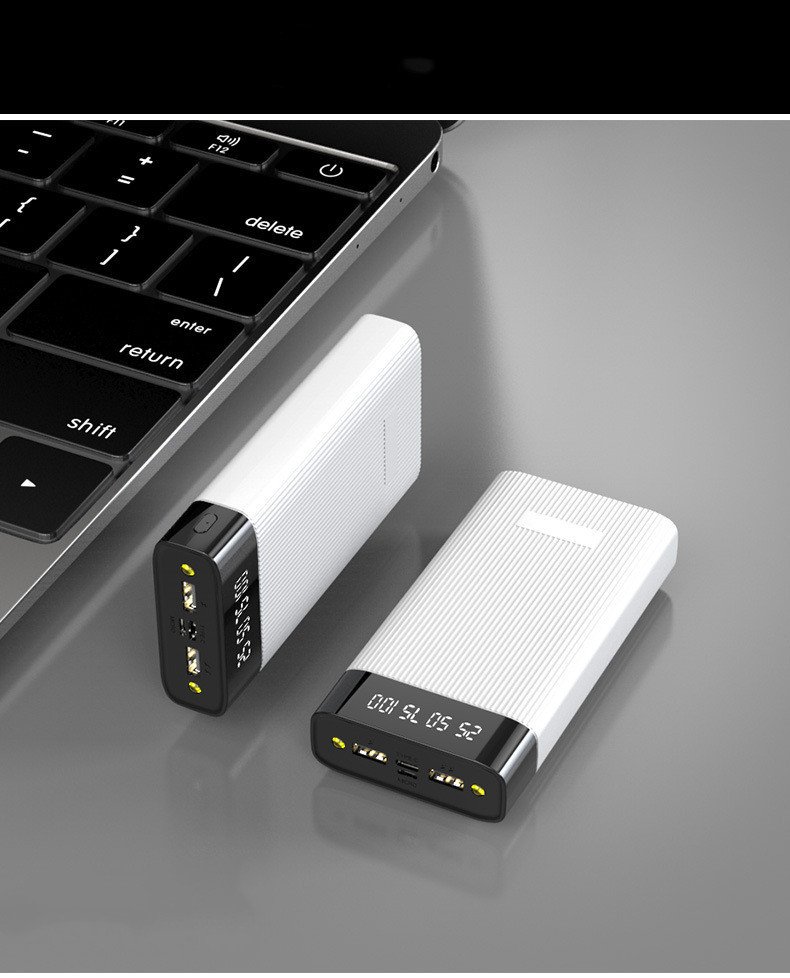
A desktop PC can be used for a variety of activities, including gaming, working, studying, programming, video editing, graphic design, entertainment, and more. There are, however, the right kinds of PC gadgets, which can make your computer setup more comfortable, organised and efficient.
Whether you are looking for gaming keyboards, ergonomic mice, USB hubs, monitor lights, cooling accessories or external storage, there are a lot of PC accessories to improve your setup in all areas.
There are also many great gadgets for PCs that aren’t necessarily expensive products. A helpful accessory is one that will help you to accomplish a certain task and offer value that depends on your computer usage.
From gaming to creative projects, home offices to enhancing your desktop setup, here are 10 PC gadgets that can come in handy.
1.Mechanical Keyboard
Mechanical keyboards can be different from a standard membrane keyboard when it comes to typing sensation.
Mechanical keyboards are those that feature individual switches under the keys. They may have varying levels of feedback, noise and resistance depending on the type of switch.
They can serve the purpose of gaming, programming, writing and normal computer use.
When selecting a mechanical keyboard, you need to take into account a few factors, such as the type of switches, the size of the keyboard, the layout, the mode of connection, the quality of the key caps, and other features.
Compact keyboards can reduce desk space and full-size keyboards feature a dedicated number pad.
2.Ergonomic Gaming Mouse
To be productive and a good gamer, you need a good mouse.
A comfortable mouse grip during long computer sessions can be achieved using an ergonomic mouse. Some gaming mice also feature a sensitivity setting that can be adjusted to fit the user and buttons that can be programmed.
Take into account the shape, size, weight, sensors, button layout and connection of the mouse when you choose the appropriate mouse.
Wireless models can contribute to cable tidiness and wired models can offer a straightforward plug-and-play knowledge.
3.USB Hub
A USB hub is a device that allows you to connect more USB devices to a USB port.
When attaching peripherals such as keyboards, mice, storage devices, webcams, controllers, microphones, it can be helpful.
There are also some USB hubs that incorporate added ports like USB-C, memory card slots or even additional data ports.
Before buying, take some time to verify the supported USB standard and data-transfer capabilities of the hub.
4.Monitor Light Bar
A monitor light bar can be used to increase lighting around a desk space and require minimal desk space.
It is placed over the desk and shines light into the desk space. This may be helpful for night time study or work or reading documents.
Brightness adjustment, color temperature options, monitor compatibility, power connection and installation are all factors to take into account when selecting a monitor light bar.
5.Large Gaming Mouse Pad
You can use a large mouse pad to help keep the mouse and keyboard area organized, and it can also give the mouse a flat surface on which to roll around.
Long mouse pads can span a significant area of the desk and are especially favored by the gaming community and individuals with low mouse sensitivity.
Consider a smooth surface, hard edges, adequate thickness, and a non-slip bottom.
A washable or cleanable feature might also be helpful for extended use.
6.USB Microphone
When it comes to streaming, voice recording, podcasts, online meetings, and gaming, a dedicated USB microphone can take audio quality to the next level.
Most microphones are easy to use as they can be plugged into a computer with no need for an audio interface.
Features that are important are microphone pickup pattern, gain controls, headphone monitoring, mute controls, and adjustable stands.
Don’t just pick the model with the most features for a microphone; rather use it for the purpose you want.
7.External SSD
If a compatible computer is available to transfer files between or use an external SSD for additional storage.
Store photos, videos, project files, documents, backups and other large files.
While external hard drives have moving mechanical components, SSDs do not and can deliver speeds, depending on the connection, that are much faster.
8.PC Cooling Fan
Cooling is essential in computer systems which are involved in intensive workloads on a regular basis.
If properly installed, the addition of more case fans can enhance the air flow within a desktop PC. Proper air flow can help to keep warm air moving away from components and cooler air moving into the case.
When selecting a cooling fan, consider the fan size, the type of fan connectors, the airflow, the fans sound and the compatibility with the PC case.
The correct positioning of the fans is also crucial for optimum ventilation.
9.Cable Management Kit
One of the simplest ways to enhance a PC setup is to be able to deal with cable management.
Cables from monitors, keyboards, mice and speakers, power adaptors, network connections and other accessories can quickly pile up on a desktop.
These cables can be organized with cable clips, sleeves, cable ties and under desk cable trays.
A tidy cable situation can make your workspace look more aesthetically pleasing and enable you to identify or replace any single cable in the system if required
10.Gaming Controller
A gaming controller can offer an alternate means to enjoy games appropriate to PC with your preferred PC computer games.
For games that depend on the gamepad controls like racing games, sports games, platformers, fighting games, etc., controllers may be particularly useful.
When looking for a purchase, see if it is compatible with your PC, how it connects, button configuration, battery usage (WIFI), and supported games.
For the user that does not like to deal with batteries or charging, a wired controller can be handy.
How to Choose the Best PC Gadgets
PC gadgets differ according to the sorts of things you do with your computer.
Mechanical keyboards, gaming mice, large mouse pads, controllers, microphones and cooling accessories are all important to a gamer.
Ergonomic mice, comfortable keyboards, monitor lights, USB hubs and cable management products are all options for the office user.
Content creators will find it helpful to use a USB microphone, an external SSD, a webcam, and other recording accessories.
Use accessories that enhance the most important aspect of your daily use of a PC.
See if the product is compatible before purchasing.
The connectors, standards and operating-system requirements for PC accessories vary.
Make sure the product is compatible with your motherboard, computer case, operating system, USB ports, monitor and any other computer parts before buying.
When it comes to cooling products, look at their size and the areas where they can be installed. For storage devices, look at the connection interface and speeds it supports.
Information on compatibility can usually be found from the manufacturer.
Should PC Gadgets be Purchased?
When there is a problem to be solved, PC gadgets can be valuable.
A cable management kit could be more beneficial than a costly accessory if you have a desk that’s teeming with cables. For people who type for a lot of hours, it might be beneficial to get a better keyboard.
Likewise, there’s a gaming mouse or controller that a gamer could find more use for than an accessory.
Before purchasing, consider how you use the product.
final
You can enhance comfort, productivity, and organization, plus play games and get entertained with the right PC gadgets. Each product, such as a mechanical keyboard, an ergonomic mouse, a USB hub, monitor lights, large mouse pads, a microphone, an external SSD, cooling fans, cable management kits, and a gaming controller, have their own unique advantages.
It’s not necessary to buy all at once. Begin by adding accessories for the needs that concern you most, and add to your setup over time.
When purchasing any kind of PC gadget, do look into the compatibility, quality, features, durability, warranty and price. You can enhance your computing experience and provide a comfortable, organized workspace with a well-planned PC setup.
pls visit 10 Best Laptop Gadgets and Accessories to Improve Your Laptop Setup in 2026
pls visit fkiplart.com